Now that Airbnb & VRBO have begun bundling nightly rates with fees, we are providing a 3rd row of pricing in the Tape Chart so that you can easily view what your Total w/ Fees (nightly rate with fees) on Airbnb or VRBO is compared to your Comp Set Total w/Fees.
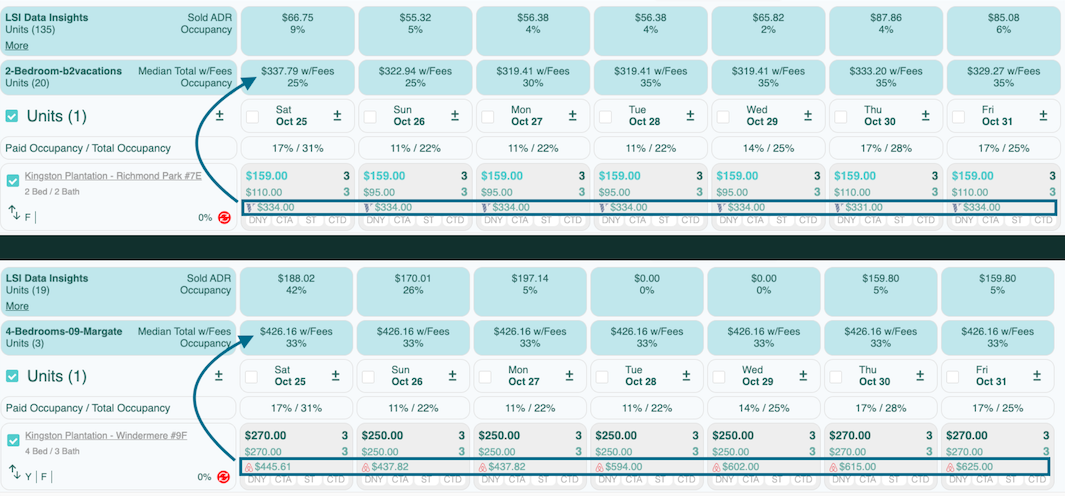
The 3rd Row pricing is calculated as follows: (Using the bottom unit as an example)
3 night minimum = Total of 3 nights + fees / 3
For Oct 25: $270 + $250 + $250 + Fees / 3 = $445.61
For Oct 26: $250 + $250 + $250 + Fees / 3 = $437.82
* If using LOS pricing, 3rd row pricing will reflect the lowest bookable night minimum for the unit, instead of the night minimum that shows on the Tape Chart. Typically, this will reflect a much higher 3rd row price.
** In order for 3rd Row pricing to work you must ensure 2 things have been completed.
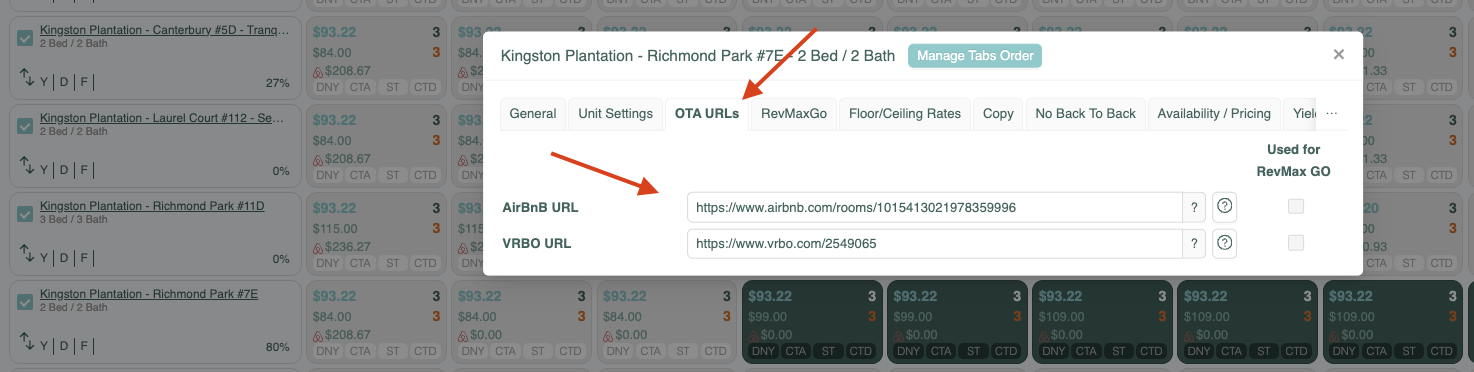
1. The OTA URL must be entered under the OTA URL tab in the Unit Settings box.
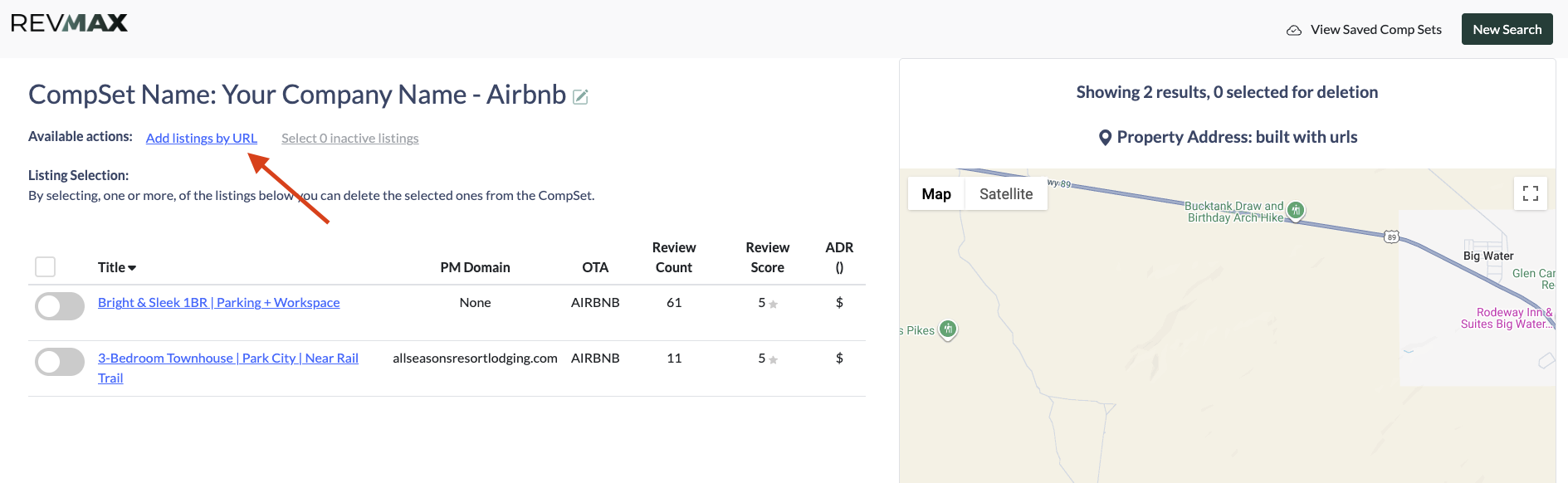
2. The unit MUST be included in a Comp Set. We recommend creating one Comp Set with all of your Airbnb URL's and another with your VRBO URL's.
Example:

The best way to create a Comp Set is by Creating from a set of URL's. To do that:
From the RevMax Home Page Click Dynamic Pricing Rules

Click Competitive Set Pricing
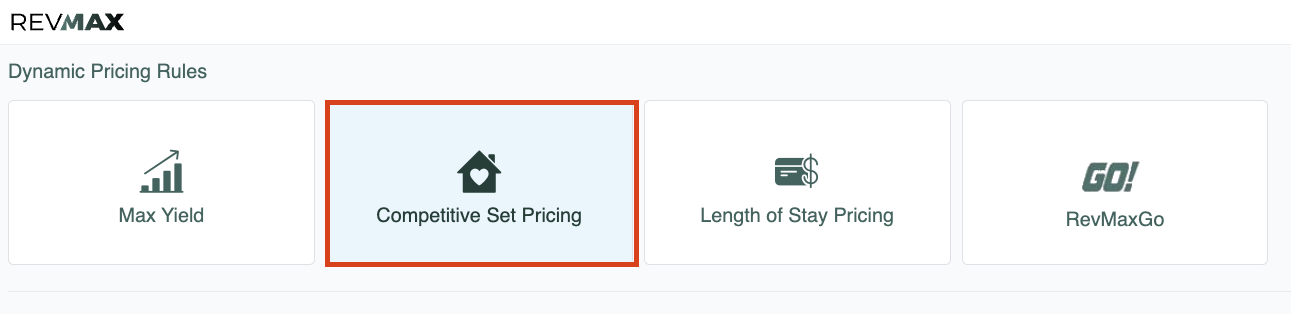
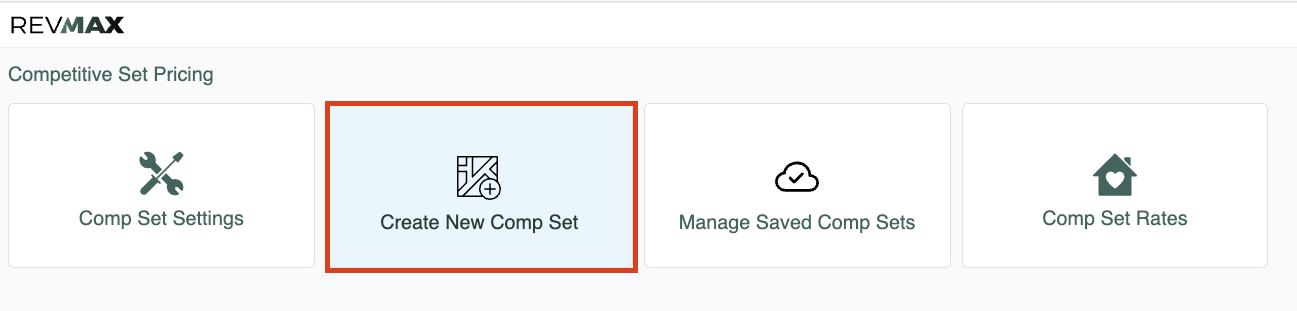
Create New Comp Set
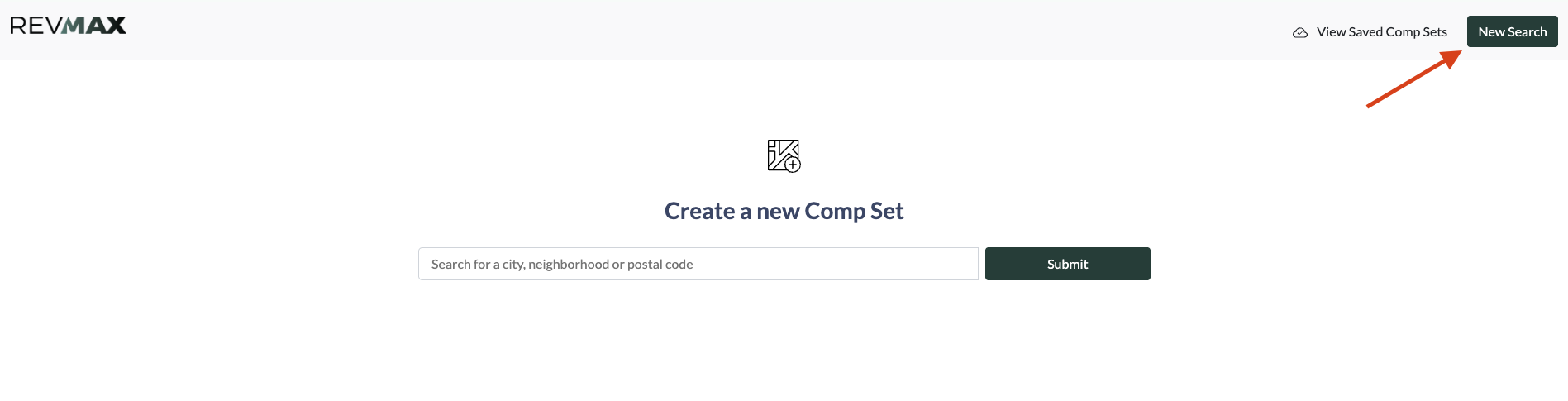
From the Comp Set Builder Page Click New Search
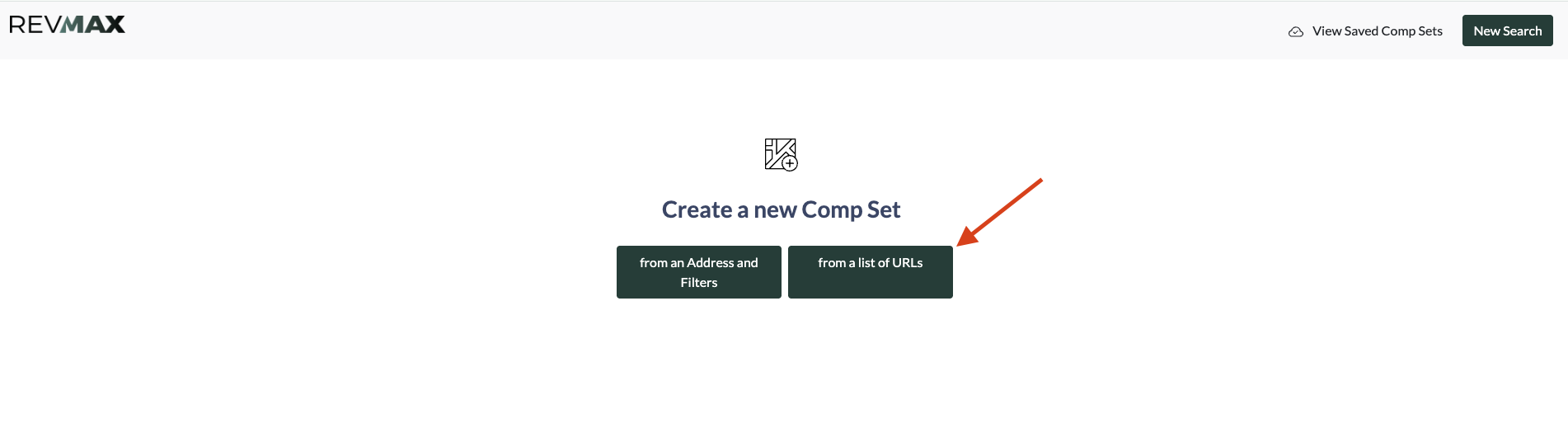
Select From a list of URL's
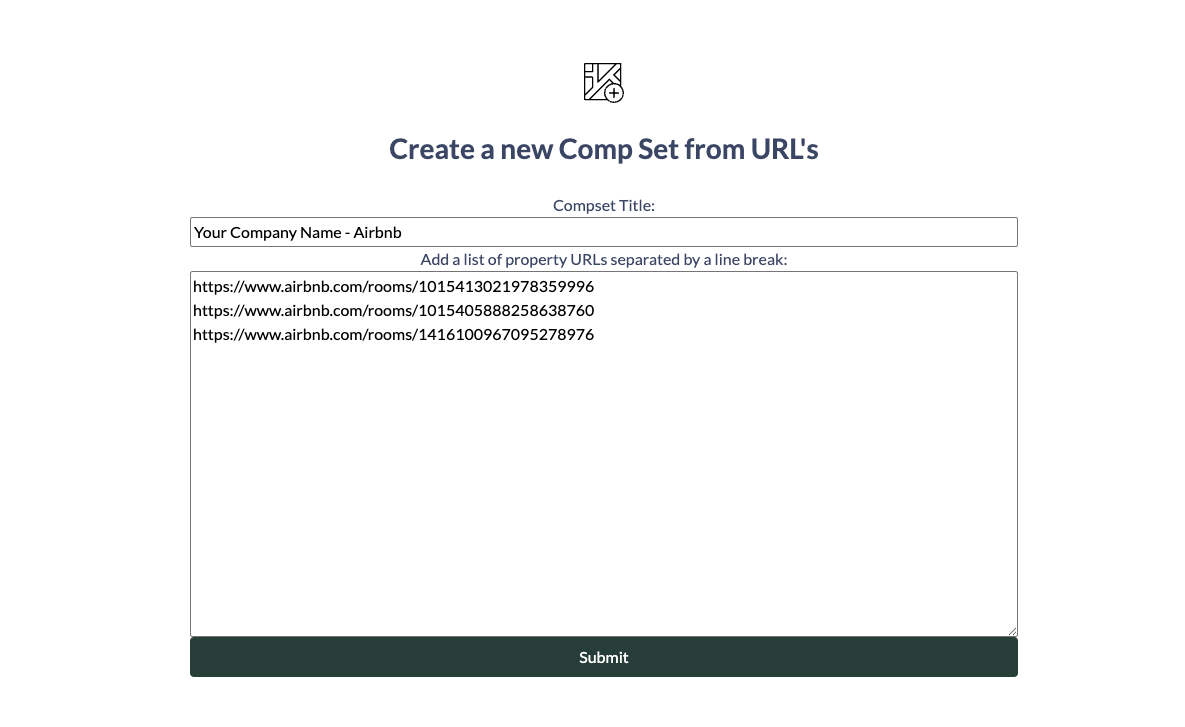
Enter a Title, the VRBO or Airbnb URL's and click Submit
Be sure to Activate the Comp Set by toggling the Activate to View button to the right

Allow up to 48 hours for the Comp Set and 3rd Row pricing to work.
**When a new unit is added to your portfolio, remember to do the following:
1. Add OTA URL's in Unit Settings box
2. Add the OTA URL to the Comp Set by editing the Comp Set

3. Click Add Listing by URL and add the new URL